A Repeatable Monthly Content Workflow
The fastest way to stay consistent is to stop reinventing your process every week. This guide gives solo creators and small teams a repeatable monthly rhythm in Krafon, broken into stages you can run in a couple of hours and then mostly forget.
Goal: Establish a once-a-month routine that keeps your calendar full, your content on-brand, and your decisions driven by real performance.
Pick a recurring "content day" — say the last Friday — and block 1–2 hours. Consistency in your process is what produces consistency in your feed.
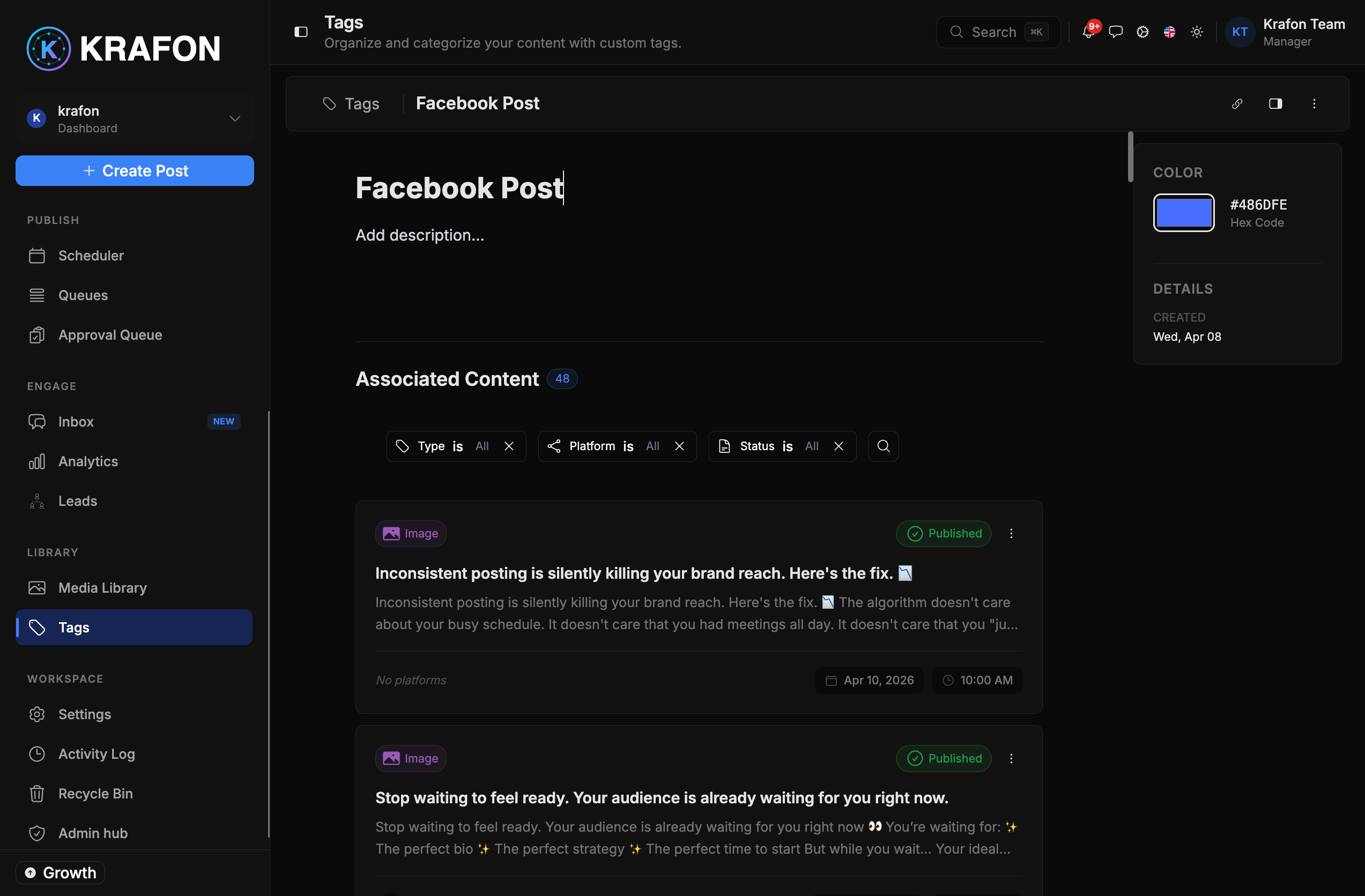
Stage 1 (Week 1) — Plan your themes
Start with structure, not posts.
- Decide on 3–5 content themes for the month (for example: education, behind-the-scenes, social proof, promotion).
- Create or reuse Tags for each theme so every post is labeled from the start.
Tags make it easy to balance your mix and filter later. See Tags.
Stage 2 (Week 1) — Bulk-generate the backbone
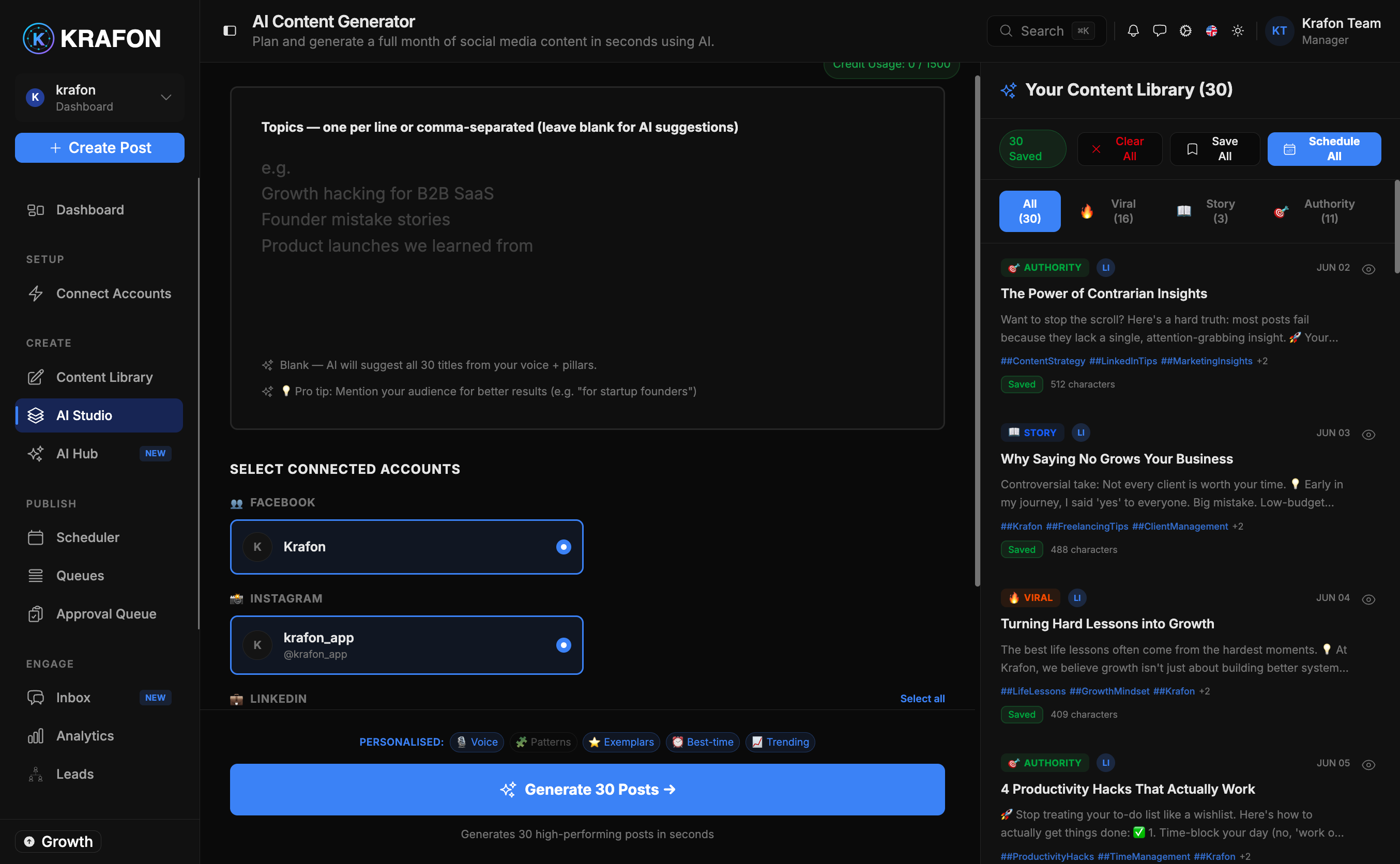
With themes set, generate the bulk of your month.
- Open AI Studio at
/<workspace>/aicontent. - Generate a batch per theme, setting count, platforms, and tone.
- Apply the matching Tag to each batch as you go.
For a step-by-step on bulk generation, see the 30 Posts in 5 Minutes tutorial and AI Studio.
Stage 3 (Week 2) — Weave in trend posts
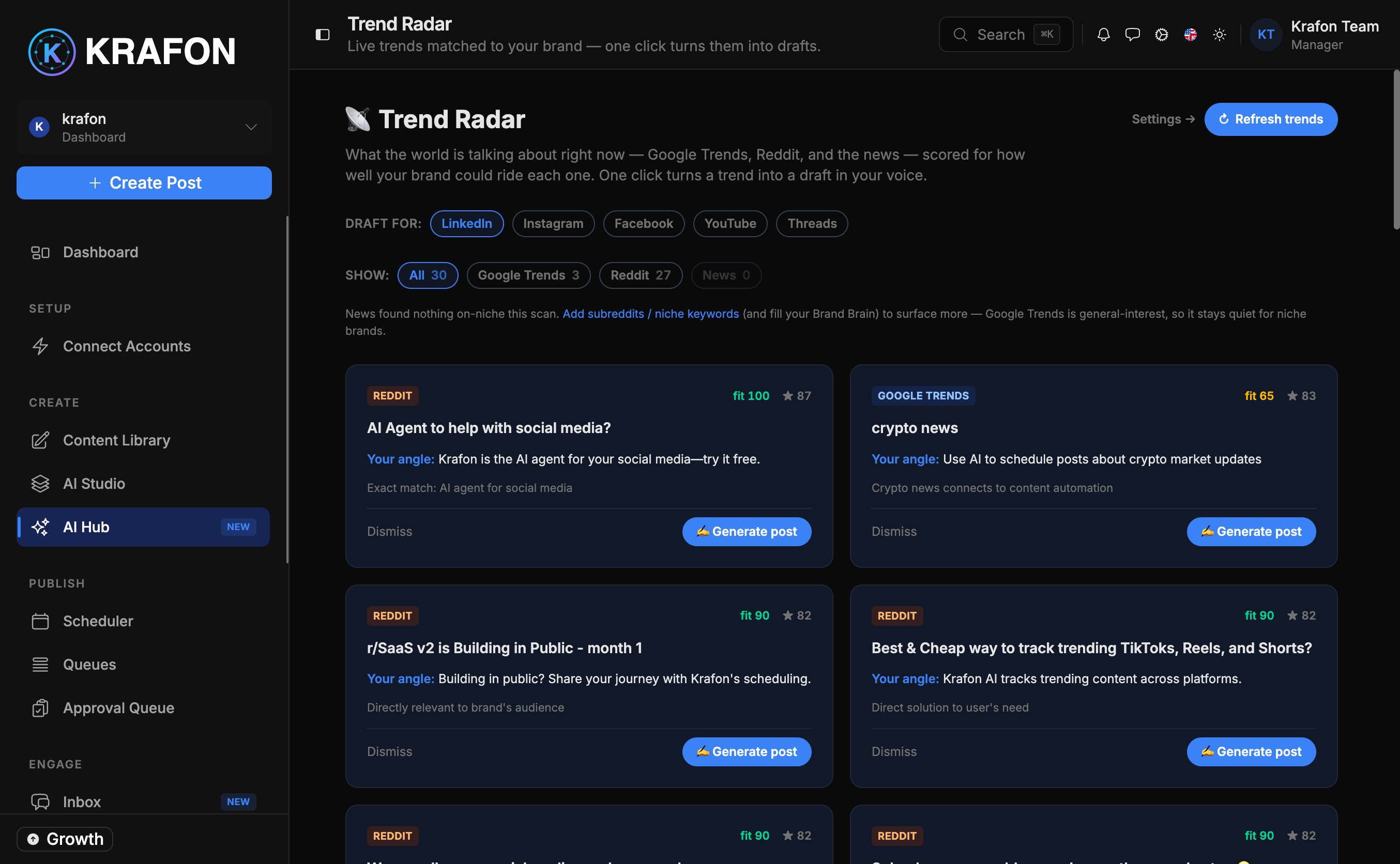
Evergreen content is your base; trends keep you timely.
- Open Trend Radar at
/<workspace>/ai/trend-radar. - Spot trends relevant to your niche and generate a few posts around them.
- Tag these as timely so you can prioritize them on the calendar.
See Trend Radar.
Stage 4 (Week 2) — Organize your assets
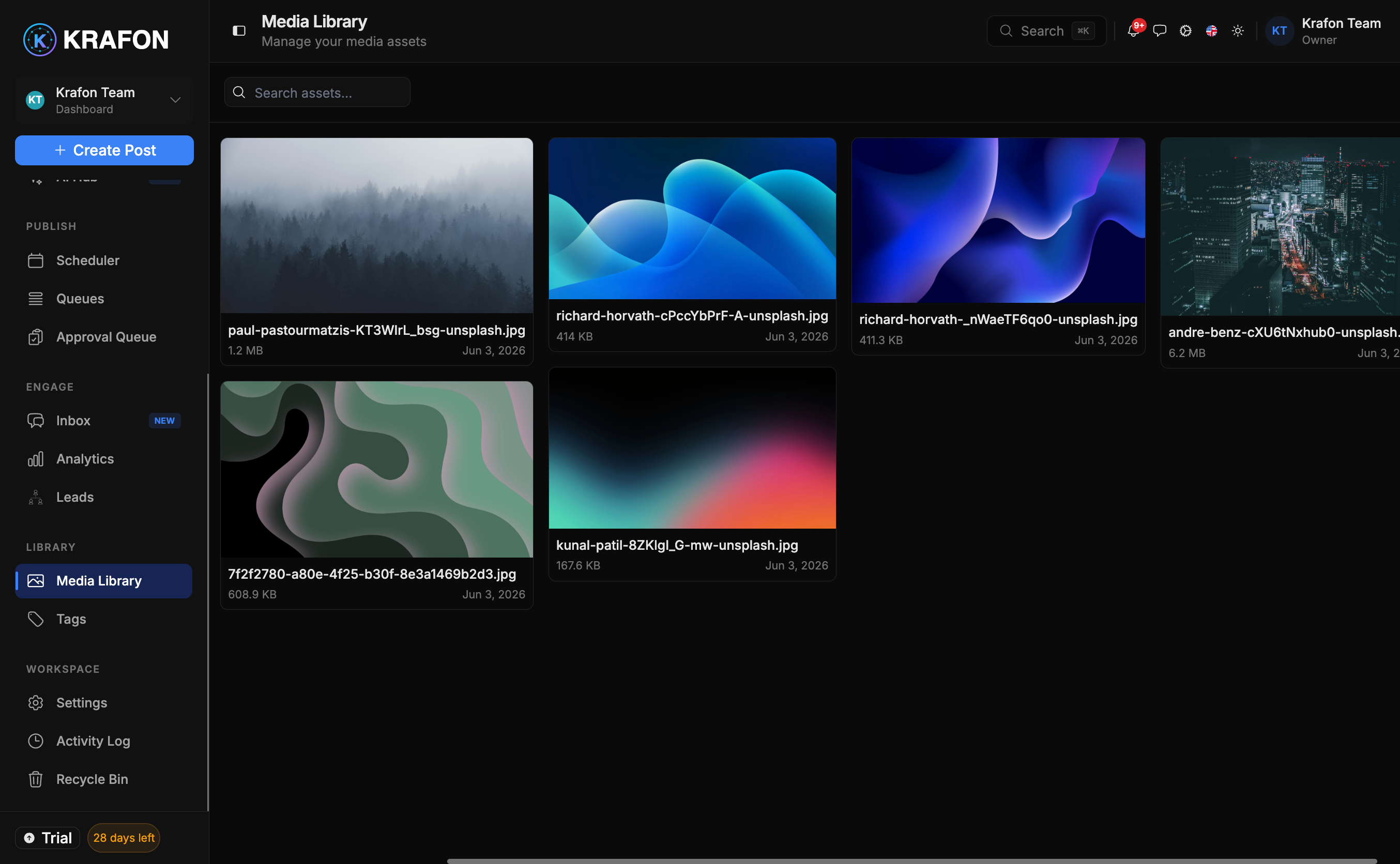
Great copy needs great visuals.
- Open the Media Library to collect the images and video for the month.
- Group assets to match your themes so they're quick to attach during review.
See Media Library.
Stage 5 (Week 2–3) — Schedule the month
Now place everything on dates.
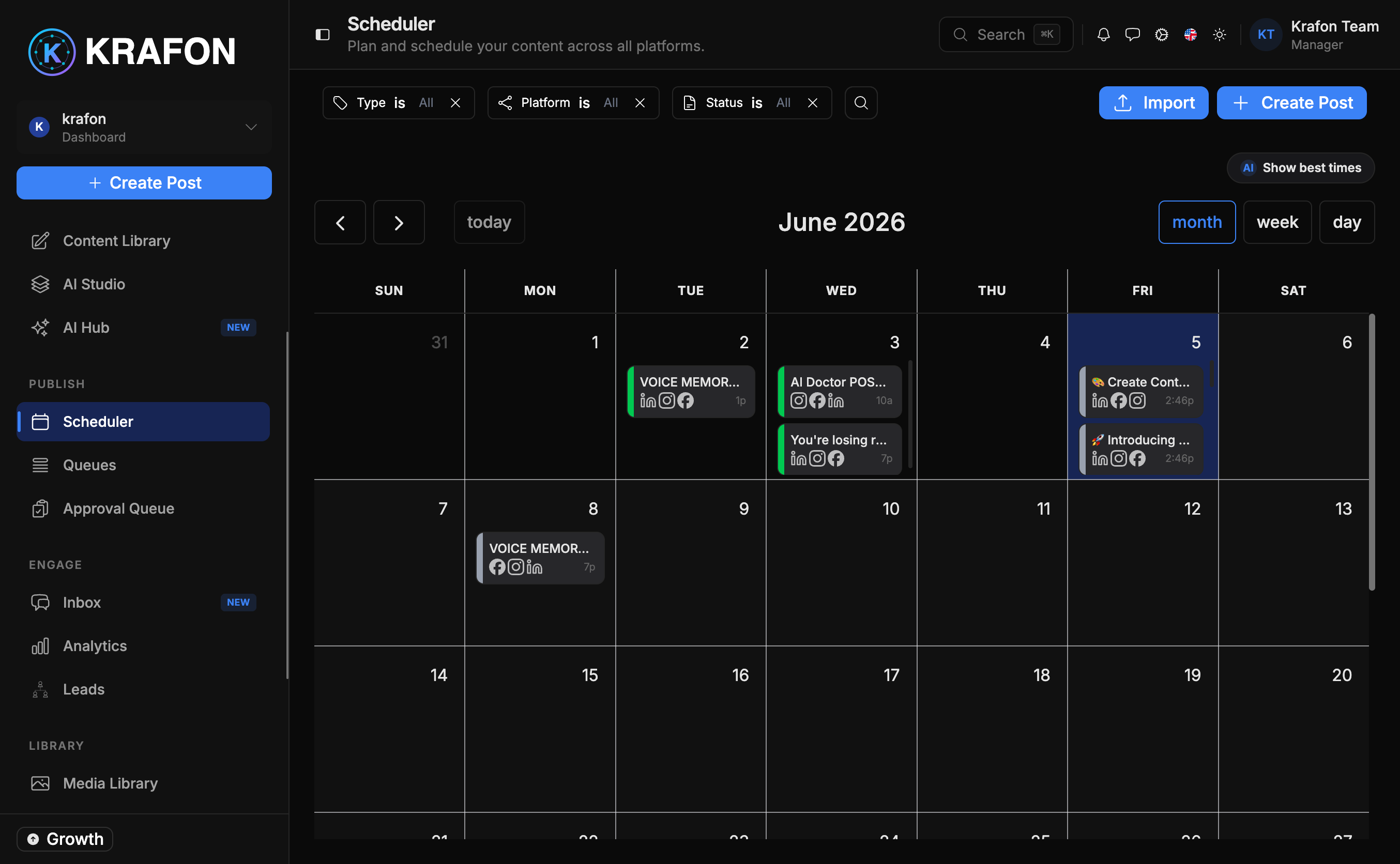
- Use the Scheduler at
/<workspace>/schedulerto lay out the calendar and handle time-sensitive posts. See Scheduler. - Use Queues at
/<workspace>/queuesfor your steady daily cadence — set the times once and fill the slots. See Queues.
Place launches, events, and trend posts first, then let Queues absorb your evergreen posts around them.
Stage 6 (All month) — Let Autopilot fill the gaps
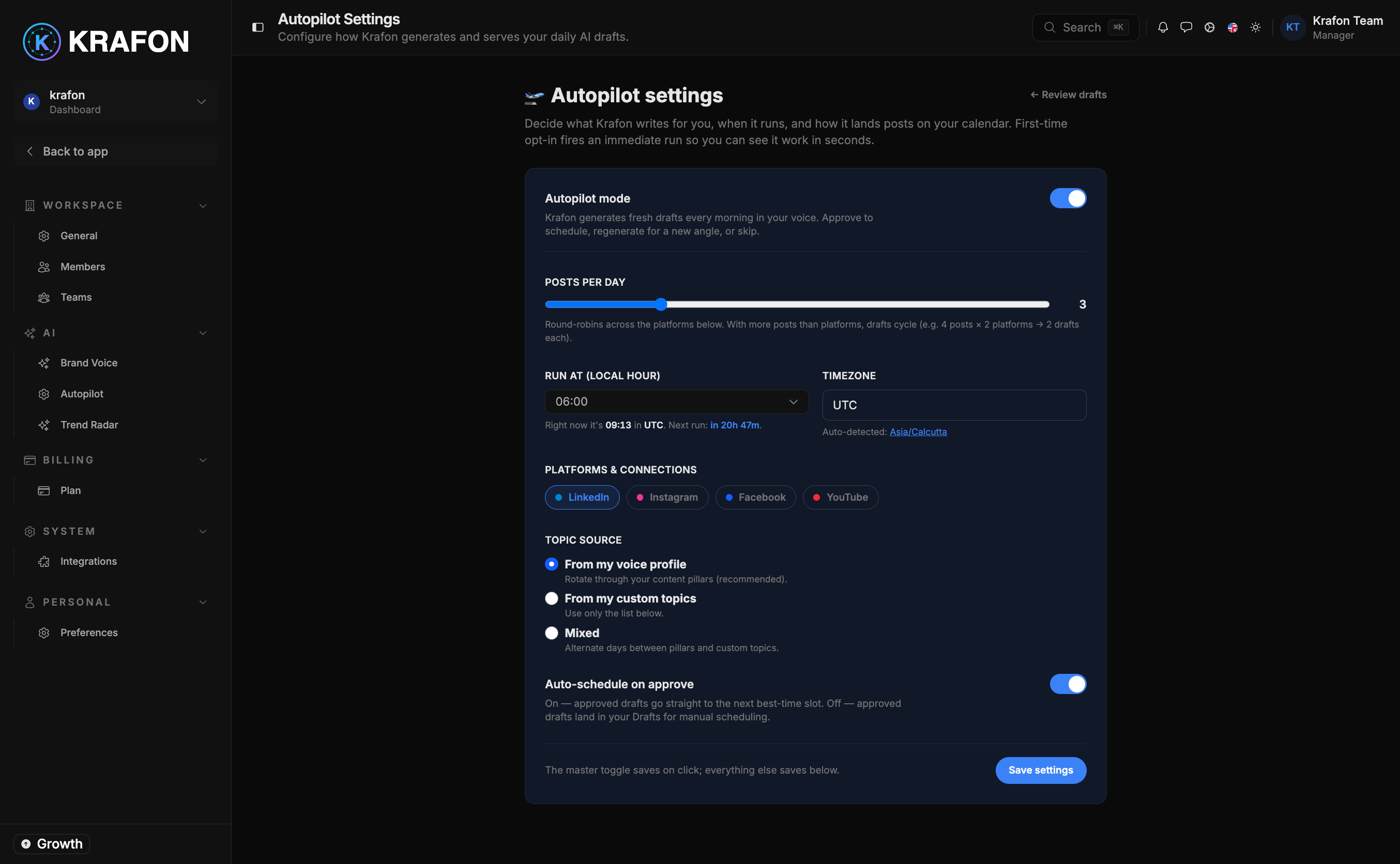
Even a well-planned month has empty slots. Autopilot keeps them filled.
- Open Autopilot at
/<workspace>/ai/autopilot. - Point it at the Queues you want kept full.
- Let it generate on-brand drafts in the background — you still approve before anything publishes.
See Autopilot.
Stage 7 (Month-end) — Review and adjust
Close the loop so next month is better.
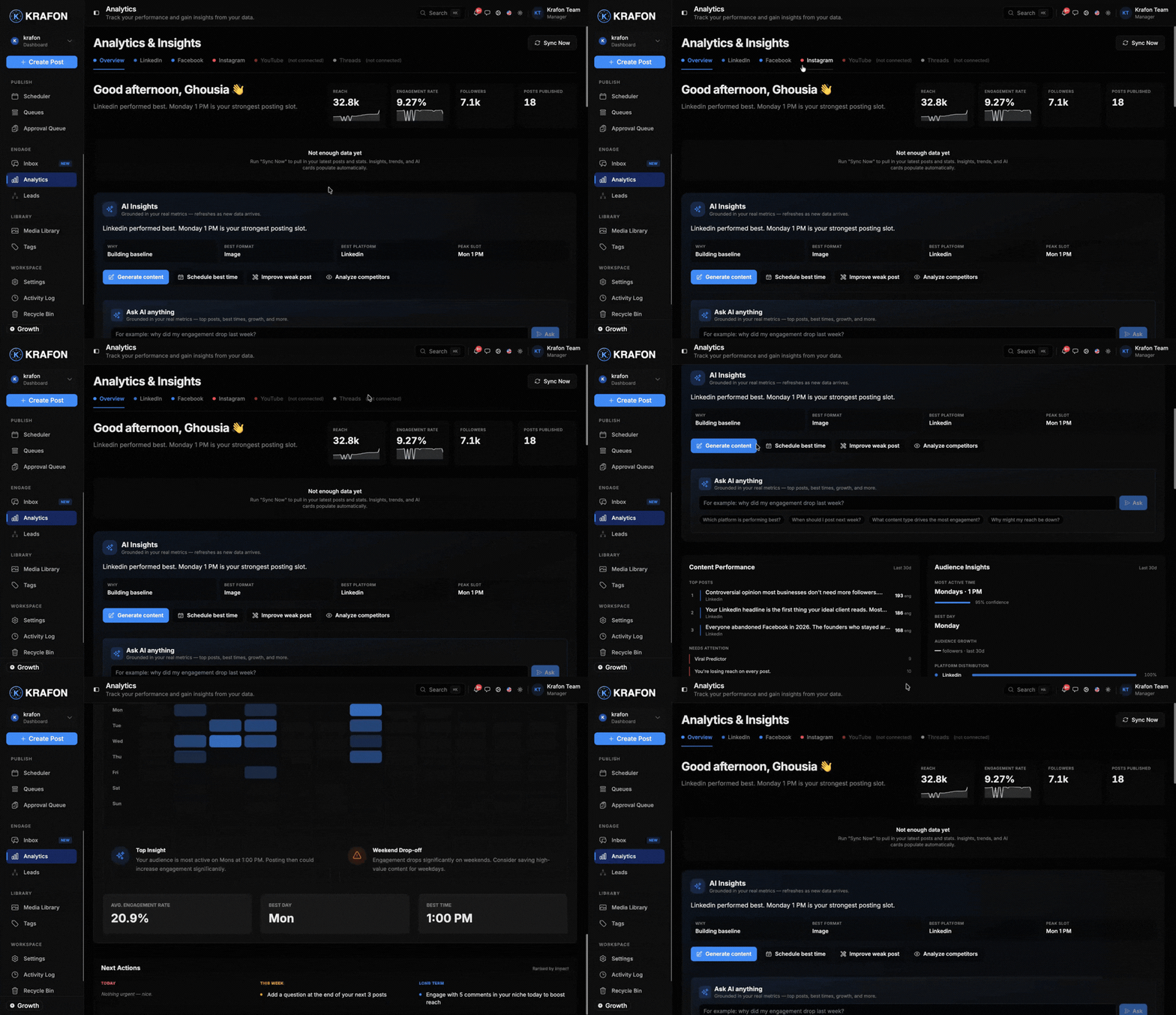
- Open Analytics at
/<workspace>/analytics. - Identify your top performers by reach and engagement.
- Note which themes, formats, and times won — and feed that into next month's plan.
See Analytics.
Each month you plan with last month's data. Over time your themes and timing get sharper without any extra effort.
What's next
- New to all this? Start with 30 Posts in 5 Minutes.
- Level up your results with Best Practices.
- Working with a team? See the Team Approval Workflow.