Integrations Overview
Krafon connects to two kinds of services: the social platforms you publish to, and the media, design & storage tools you pull assets from. Once connected, you can create with AI, schedule a month of posts, manage a unified inbox, and track analytics — all without leaving Krafon.
The two groups
Social platforms
These are the channels you publish to and pull analytics and comments from. Each has its own setup page with requirements and step-by-step instructions.
| Platform | What it unlocks | Setup guide |
|---|---|---|
| Publish posts, carousels, and Reels; pull insights; sync comments to your inbox | ||
| Publish to Pages; manage comments; see analytics | ||
| Publish to a personal profile or company Page; pull metrics and comments | ||
| YouTube | Upload videos; pull channel and video analytics | YouTube |
| Threads | Publish content to Threads | Threads |
Media, design & storage
These services let you import images, GIFs, designs, and files into Krafon while you create. See Media, Design & Storage for setup of Unsplash, GIPHY, Canva, Google Drive, Dropbox, and Box.
The universal connect flow
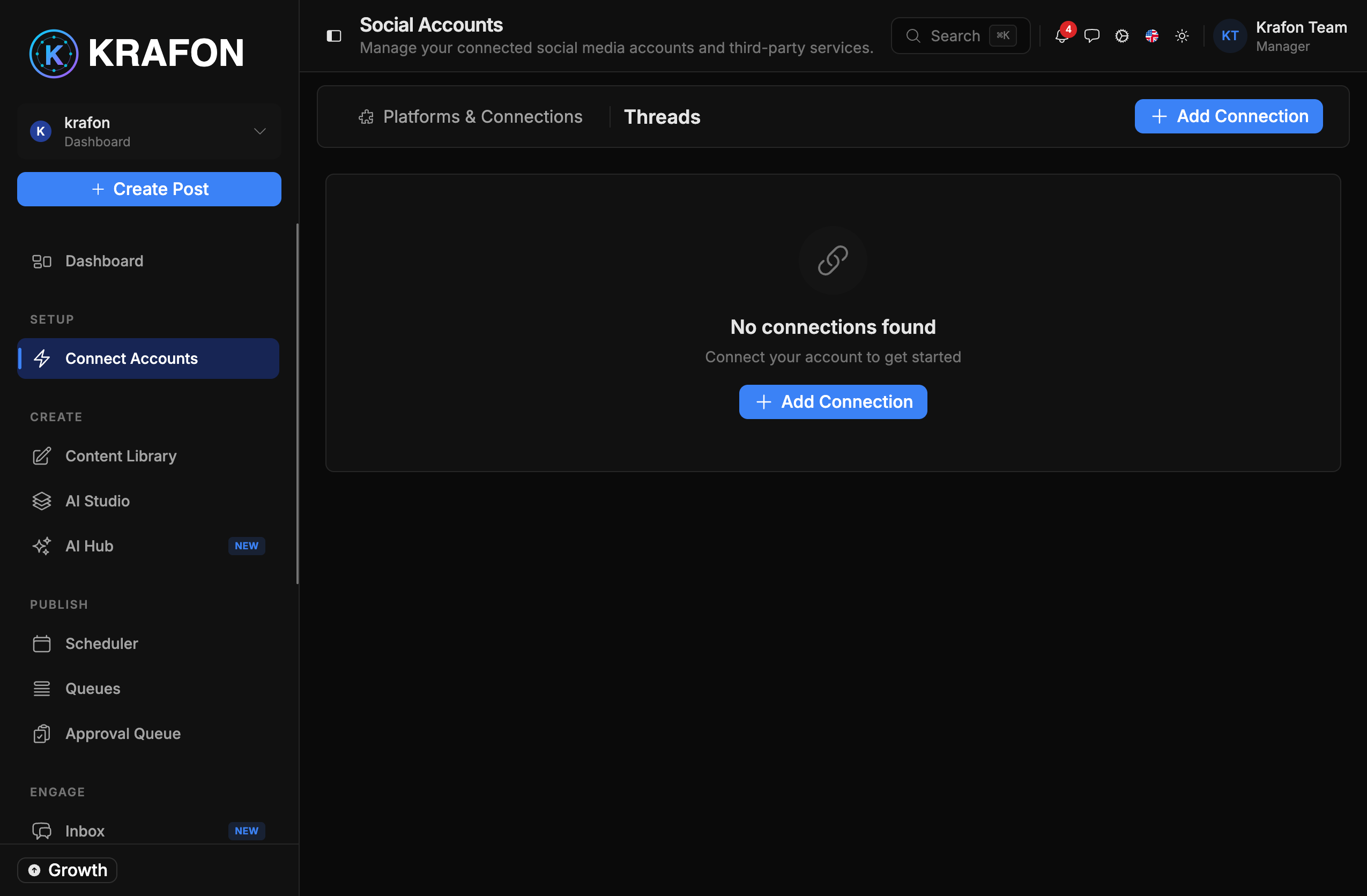
Every social platform connects the same way:
- Go to Connect Accounts (
/<workspace>/accounts). - Click Connect [Platform].
- You're redirected to the platform to sign in and grant permissions.
- Krafon stores the connection.
- You return to a confirmation screen, and the account appears with a health status.
Krafon connects exclusively through each platform's official API and is a Meta Verified Tech Provider. You approve every post before it goes out — Krafon never posts on your behalf without your sign-off.
Connections are health-checked
After you connect an account, Krafon checks its health automatically (roughly hourly) and refreshes access tokens in the background. If a token can't be refreshed, the account shows an expired / needs reconnect state and you'll reconnect it from Connect Accounts. See Connection Troubleshooting for fixes.
How many accounts can I connect?
The number of social profiles you can connect depends on your plan:
- Free — 1 social profile
- Pro — 3 social profiles
- Growth — 15 social profiles
- White Label — unlimited
To add more, upgrade from Billing.
New here? Start with Connecting Accounts for the full first-time setup walkthrough.