Media, Design & Storage
Overview
Beyond social platforms, Krafon connects to media, design, and cloud storage services so you can pull images, GIFs, designs, and files straight into your content. These integrations live under Settings → Integrations (/<workspace>/settings/integrations), separate from the social accounts you publish to.
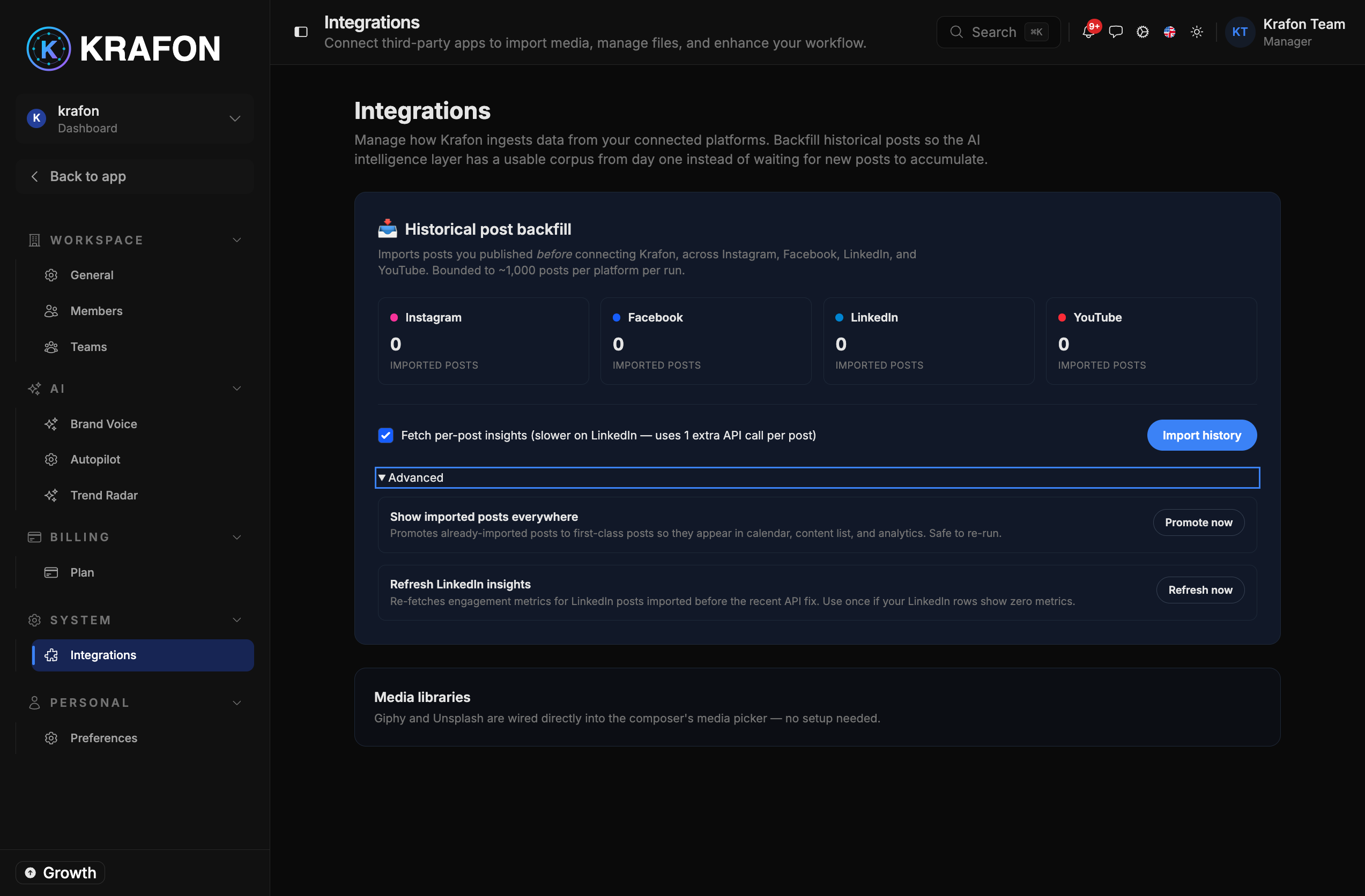
How to connect
- Go to Settings → Integrations (
/<workspace>/settings/integrations). - Find the service you want and click Connect.
- For services that use OAuth (such as Canva, Google Drive, Dropbox, and Box), sign in and grant permissions.
- Krafon stores the connection and shows its status.
Available integrations
Unsplash
Search and insert free stock photos from Unsplash while you build a post. No account is required to browse — connect to pull images directly into your content and Media Library.
GIPHY
Search and add GIFs from GIPHY to your posts for more expressive content.
Canva
Connect Canva via OAuth to bring your designs into Krafon. Sign in to your Canva account and grant access, then import designs as post assets.
Google Drive
Connect Google Drive to import images, videos, and files from your Drive into Krafon.
Dropbox
Connect Dropbox to import assets stored in your Dropbox account.
Box
Connect Box to import assets from your Box cloud storage.
Imported images, GIFs, designs, and files are saved to your Media Library, where you can reuse them across posts.
Historical post backfill
When you connect a social platform, Krafon can backfill your existing posts — importing your past content so Krafon's AI can learn your voice, formats, and what has worked. This makes AI-generated drafts and recommendations match your style more closely.
- Imported posts can be promoted to first-class content so you can reuse, remix, or repurpose them. See AI Hub → Imported Posts.
- Each integration's status shows posts imported and last sync so you know how much history Krafon has and when it was refreshed.
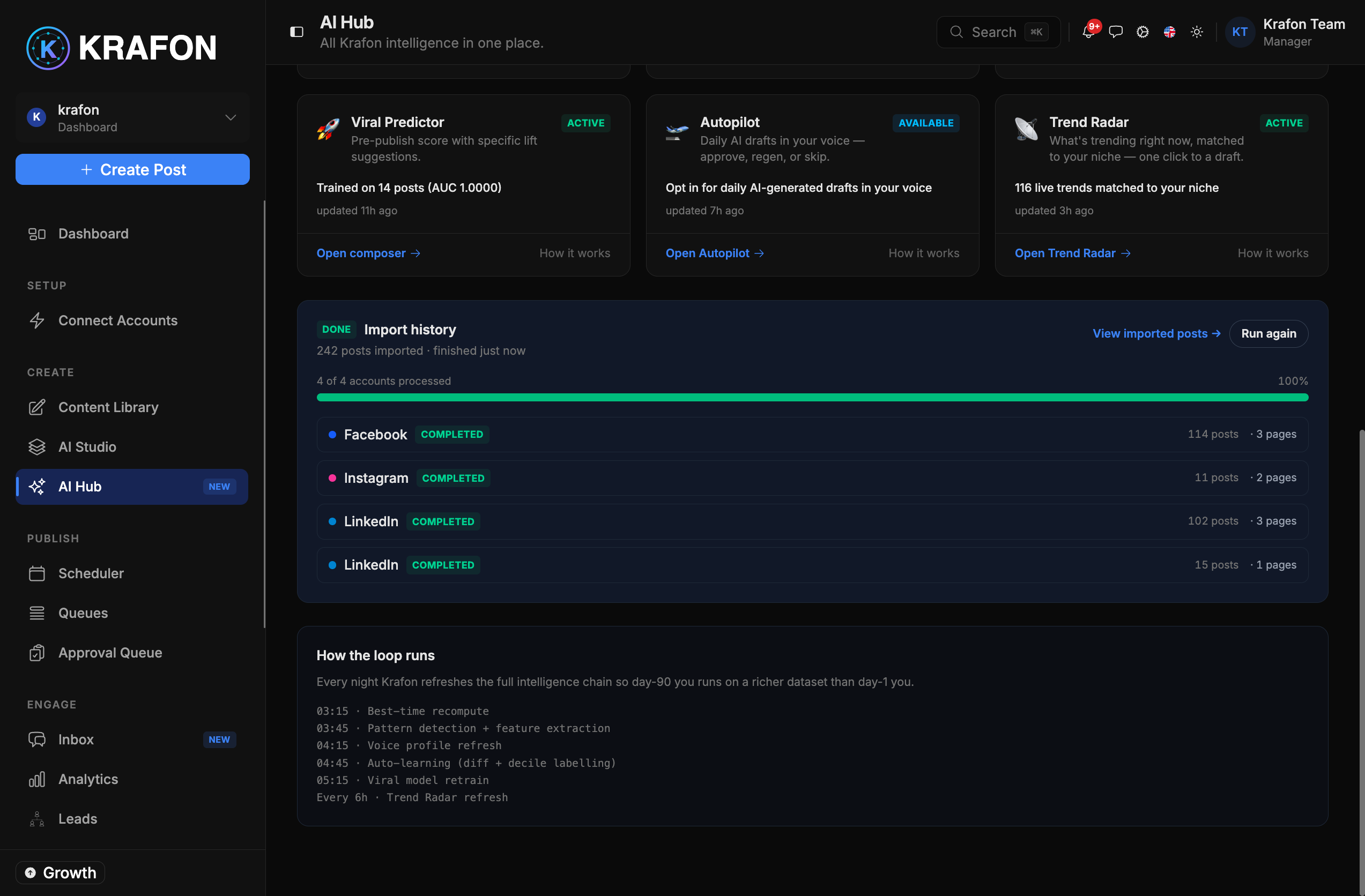
Backfill uses each platform's official API and only imports content from accounts you've connected and authorized.
Common issues
Problem: A service shows "expired / needs reconnect." Solution: Open Settings → Integrations and reconnect by signing in again.
Problem: Backfill shows few or no imported posts. Solution: Confirm the platform connection is healthy and that you granted read permissions, then trigger another sync. For more help, see Connection Troubleshooting.