Onboarding checklist
When you create a new workspace, Krafon greets you with a Welcome wizard — a short onboarding checklist that guides you through the five things needed to get real value out of the app.
The checklist is tracked per workspace, so each workspace you create gets its own. It's also dismissible — you can close it and come back later, and your progress is saved.
The five steps
Work through these in order. Each links to a detailed guide.
1. Connect social accounts (required)
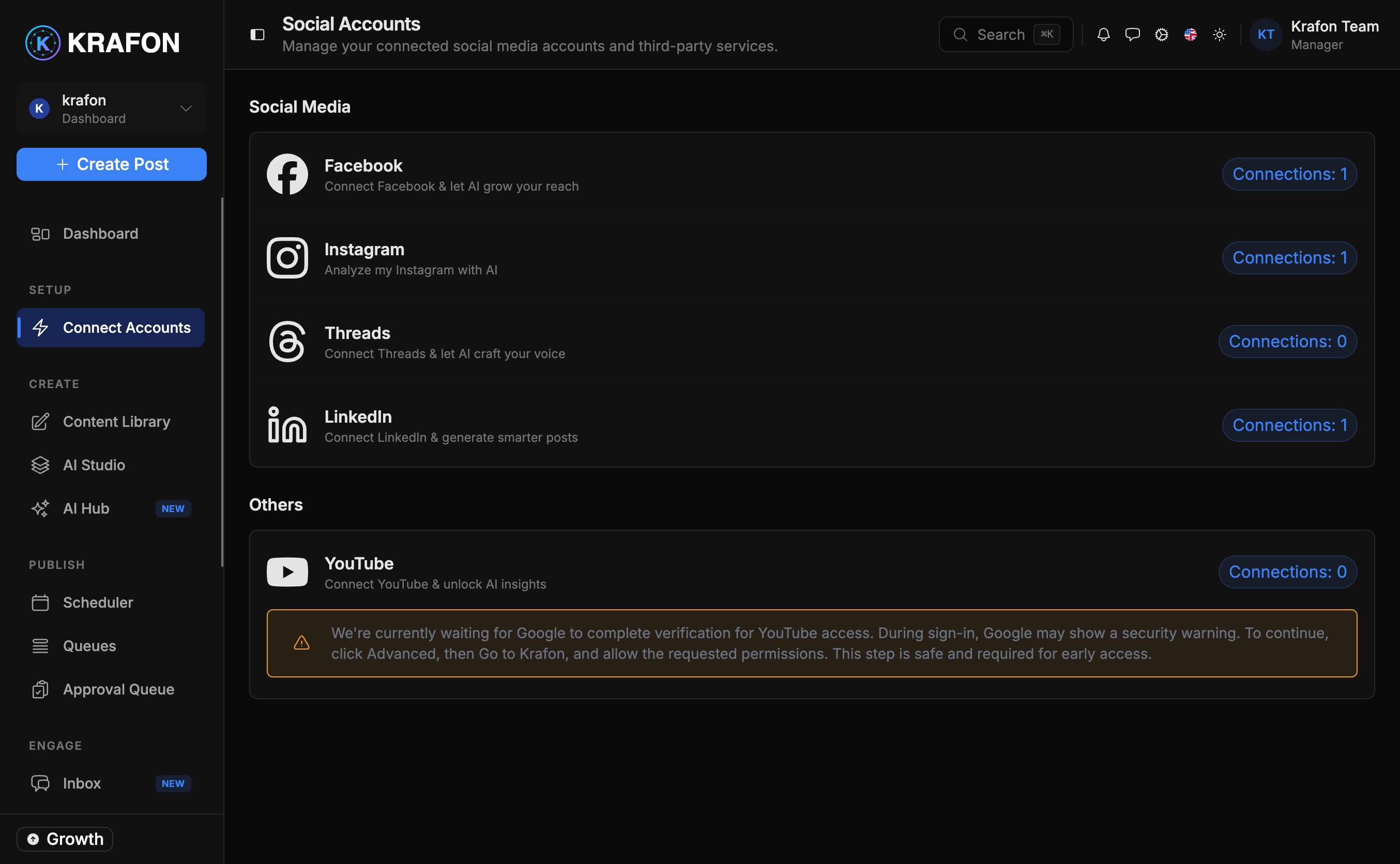
Link the platforms you want to post to — Instagram, Facebook, LinkedIn, YouTube, or Threads. This is the only required step: AI generation, scheduling, the inbox, and analytics all depend on at least one connected account. → Connecting your accounts
2. Train AI — review your Brand Brain
Krafon builds a Brand Brain — a profile of your voice, audience, and topics — so AI-written posts actually sound like you. Review and adjust it for better results. → Brand Brain
3. Create your first post
Use AI to draft your first piece of content and see how fast it goes from idea to finished post. → Content Studio
4. Schedule a post
Drop a post onto the calendar so it publishes automatically at the right time — after your approval. → Scheduler
5. Review analytics
Once posts go live, check how they perform so you know what to make more of. → Analytics
The checklist is a guide, not a gate. The only thing you truly need first is step 1 — connecting an account. Everything else can be done in any order.
Closing the wizard won't lose your progress. Reopen it anytime from the dashboard to pick up where you left off.
What's next
Start with the required step: Connecting your accounts.