Creating your account
Getting into Krafon takes about three minutes. Head to app.krafon.com/signup to begin.
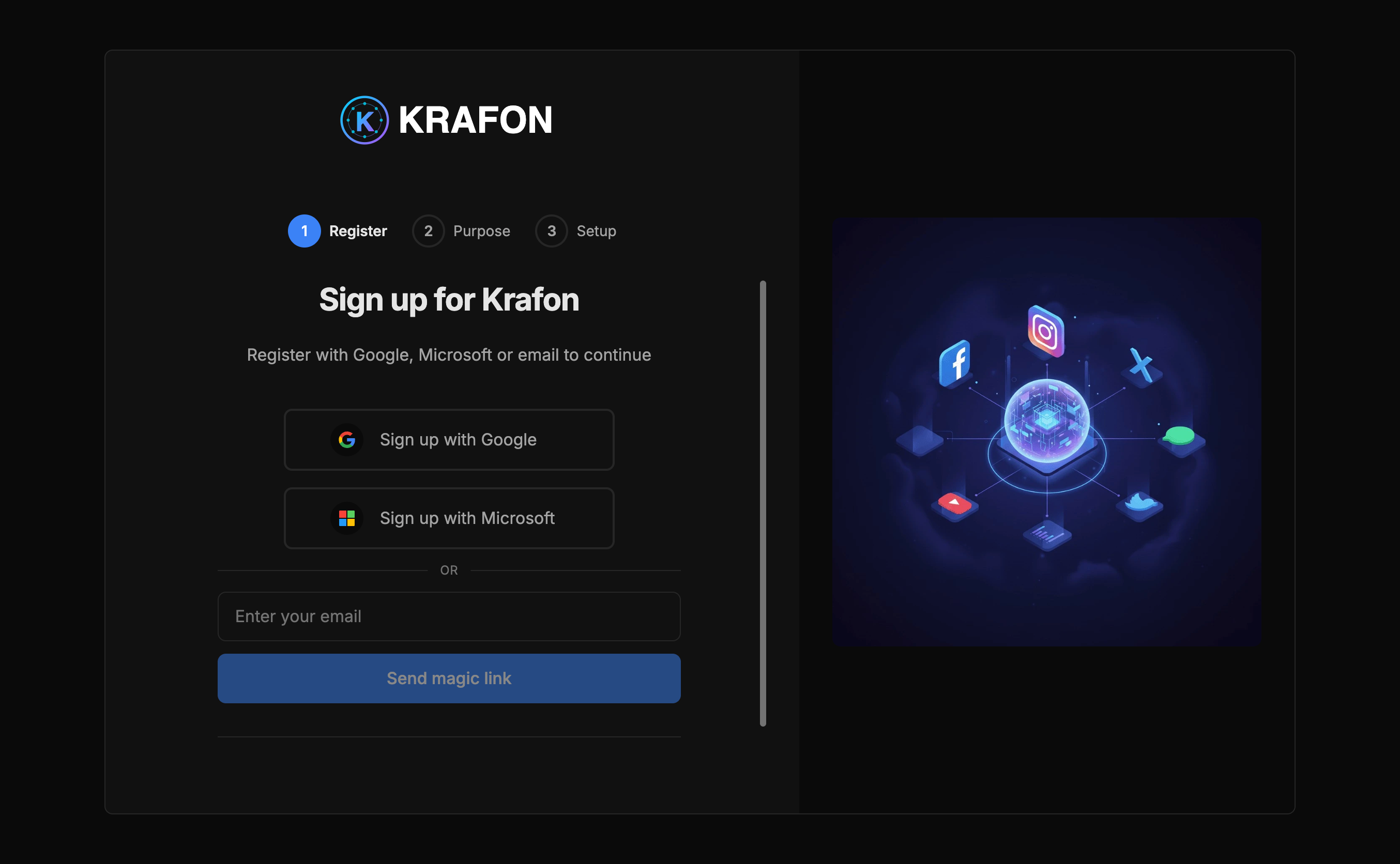
Sign-up methods
You can create your account three ways:
- Continue with Google
- Continue with Microsoft
- Passwordless email (magic link) — enter your email and we send you a one-time sign-in link.
Magic-link sign-up means there's no password to create or remember. You sign in by clicking the link we email you each time (or by using Google/Microsoft).
To sign in later, go to app.krafon.com/signin and use the same method you signed up with.
The signup wizard
After you choose a sign-up method, a short wizard sets up your workspace:
Step 1 — Choose how to sign in
Pick Google, Microsoft, or email (magic link) and verify it.
Step 2 — Choose your workspace type
Select Personal or Company (see the difference below).
Step 3 — Company details (Company only)
If you chose Company, enter your company name and timezone. The timezone is used so your scheduled posts go out at the right local time.
Step 4 — Pick your role
Tell us what you do so Krafon can tailor your setup: Creator, Social Media Manager, Agency, Founder, or Marketing Team.
Step 5 — Pick your goals
Choose what you want to get out of Krafon (you can pick more than one): Grow audience, Save time, Schedule posts, Manage clients, or Track analytics.
When you finish the wizard, your workspace is created and you land on the dashboard, ready to start onboarding.
Personal vs Company workspaces
- Personal — Best if it's just you managing your own profiles. Quick to set up, no company name needed.
- Company — Best for teams and agencies. You add a company name and timezone, and you can invite teammates and assign roles later.
Your workspace type shapes a few defaults, but you can adjust settings and invite people afterward. Learn more in Workspaces.
What's next
Your workspace is live. Next, walk through the Welcome checklist in Onboarding.