Connect Threads
Overview
Connecting Threads lets you publish content to Threads from Krafon on a schedule. Threads connects through OAuth, so you'll sign in and grant permissions during setup.
Before you start
To connect Threads, you need:
- A Threads account you can sign in to.
- That account ready to authorize the connection during the OAuth flow.
How to connect
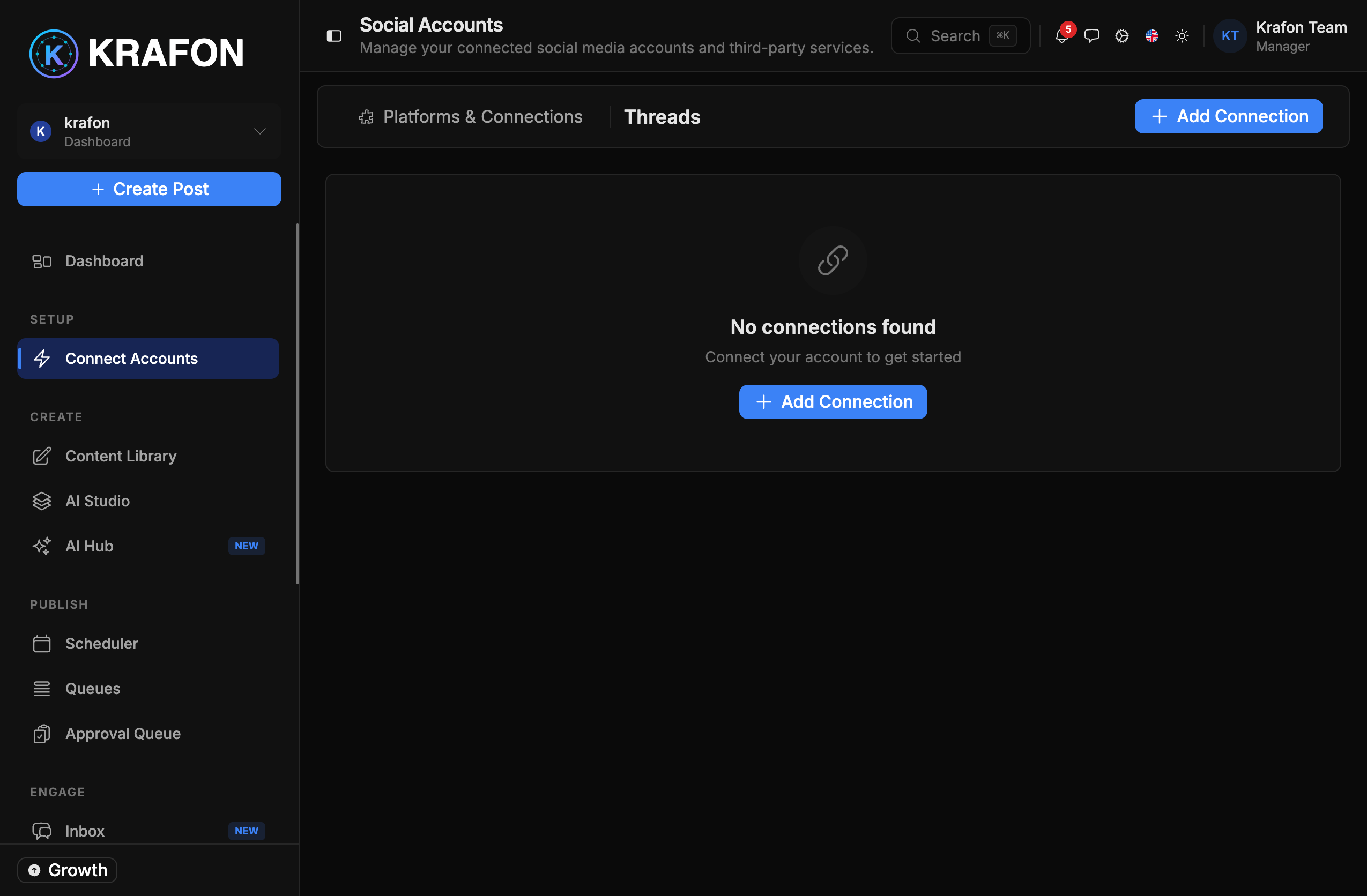
- Go to Connect Accounts (
/<workspace>/accounts). - Click Connect Threads.
- You're redirected to sign in and grant permissions.
- Krafon stores the connection.
- You return to a confirmation, and your Threads account appears with a health status.
What you can do
- Publish content to Threads, with your approval before it goes live.
Feature scope
Threads support is intentionally focused on publishing. The available feature set is narrower than Instagram or Facebook — analytics and inbox coverage may be limited.
Limitations
- Capabilities are limited to what the Threads API currently exposes, which is more limited than Instagram or Facebook.
Common issues
Problem: The connection shows "expired / needs reconnect." Solution: Open Connect Accounts and reconnect to restore publishing. See Connection Troubleshooting.
Problem: Permissions weren't granted. Solution: Re-run Connect Threads and accept all requested scopes during sign-in.