Security & Data
Krafon connects to your social accounts and stores your content, so security is built into how the product works. This page explains how we protect your account and data, and how to manage API keys and your data.
Sign-in security
Krafon supports three sign-in methods — and none of them rely on a password you have to remember:
- Google sign-in
- Microsoft sign-in
- Passwordless magic-link — we email you a one-time link to sign in.
Because there's no password, there's no password to leak, guess, or reuse.
After signing in, you can review your last login to confirm it was you.
Official APIs and your approval
Krafon connects to Instagram, Facebook, LinkedIn, YouTube, and Threads using official platform APIs only. We never use unofficial methods or scraping.
And you approve every post. Krafon never publishes on your behalf without your action — scheduled and AI-drafted content always goes out on your terms.
How your social connections are stored
When you connect an account, the platform issues an OAuth token. Krafon:
- Stores these tokens securely and encrypted.
- Never shares your tokens with anyone.
If a token expires or is revoked by the platform, Krafon prompts you to reconnect.
Per-workspace data isolation
Your data is isolated per workspace. Each workspace's connected accounts, content, team, and analytics are kept separate from every other workspace — including workspaces owned by other Krafon customers.
Auditing and recovery
- Last-login visibility — check when your account was last accessed.
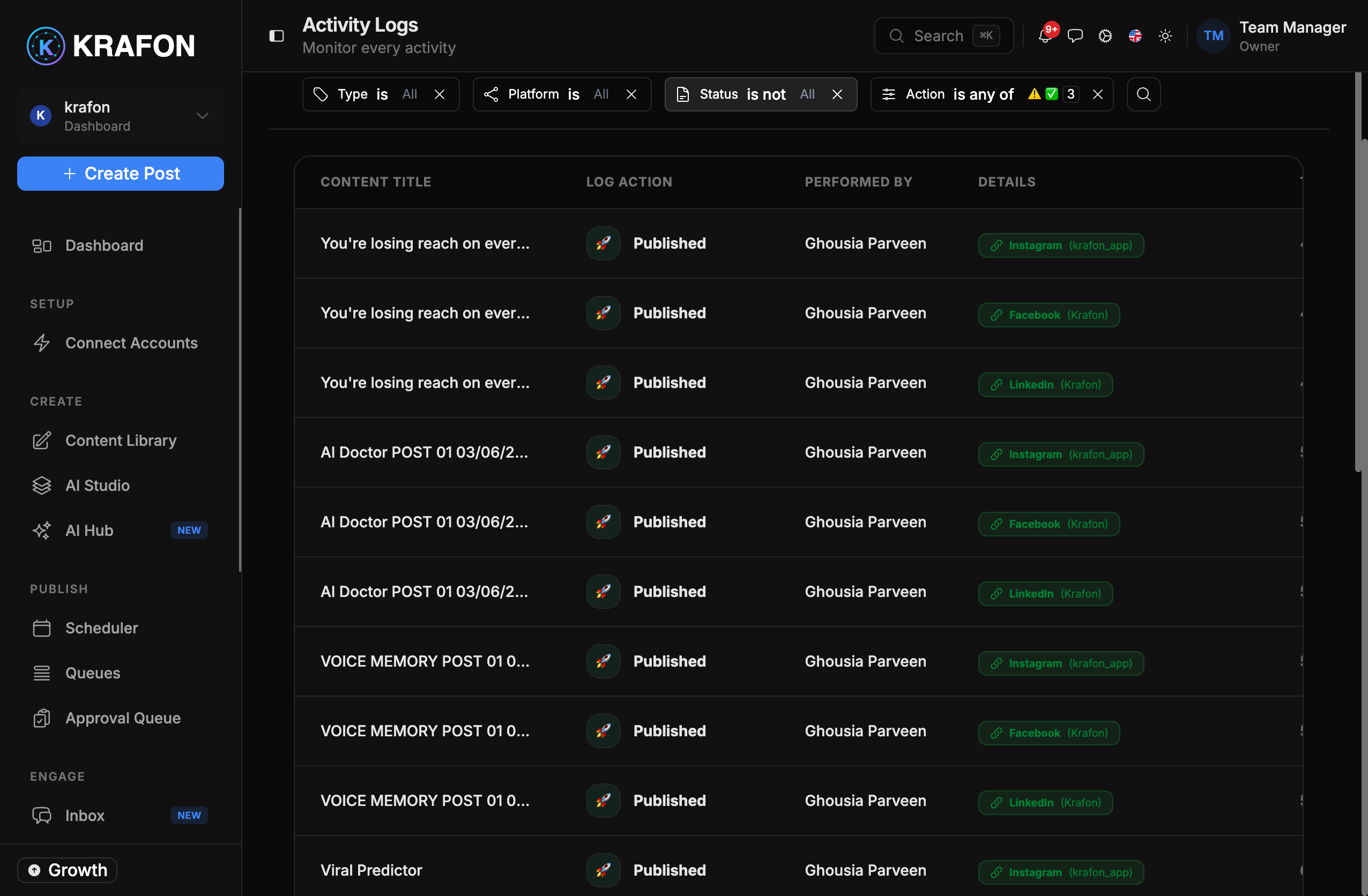
- Activity Log — a full audit trail of logins, content changes, approvals, invites, and settings changes. See Settings → Activity Log.
- Recycle Bin — deleted content, users, teams, and tags are recoverable for 30 days. See Settings → Recycle Bin.
API keys
For programmatic integrations, manage API keys at /<workspace>/api-keys. From here you can:
- Create a new API key.
- List your existing keys.
- Revoke a key you no longer use or trust.
Treat API keys like passwords. Copy a key when you create it, store it somewhere safe, and revoke any key that may have been exposed.
Data export and deletion
Want a copy of your data, or want it deleted? Email support@krafon.com to request a data export or deletion, and our team will help you.
Deleting your data is permanent. If you only want to remove specific items, check the Recycle Bin first — items there are recoverable for 30 days.